📚 Diagnostic Library & Technical Guides
Deep-dives into hardware latency, stick drift, double-clicking sensors, spatial sound routing, and detailed diagnostic repair instructions written by tech experts.
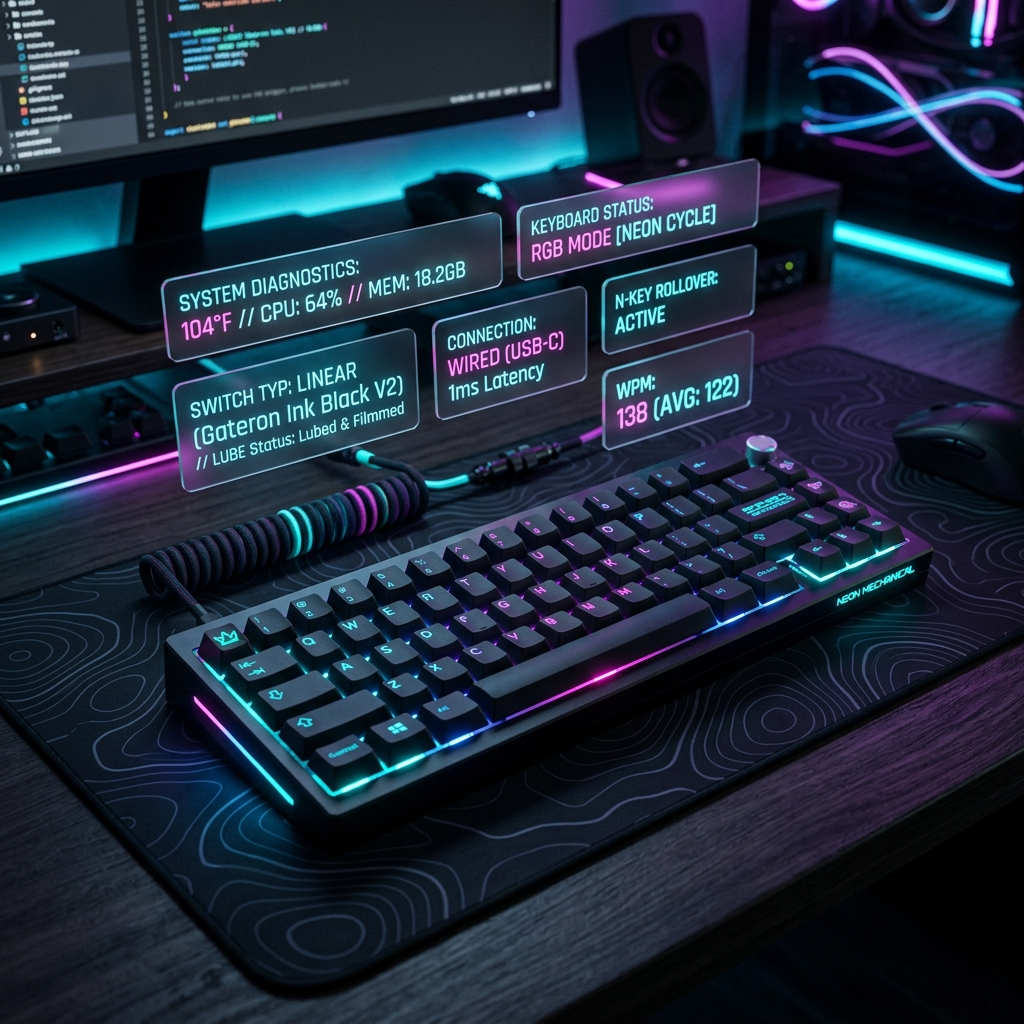 Keyboard
How to Fix Keyboard Keys Not Registering or Double Typing
Fix sticky switches, resolve membrane or mechanical latency issues, and clean contact pins easily to fix stuck key registers.
Read Guide → Mouse
Mouse
How to Detect and Fix Mouse Double-Clicking Issues
Diagnose switch debounce times, adjust mouse configuration scripts, and clean copper leaf springs in gaming mice switches.
Read Guide → Network
What is Network Jitter and How to Optimize LAN Latency
Learn how ping variance and packet arrival discrepancies cause game lag, and configure Ethernet adapters for ultimate stability.
Read Guide →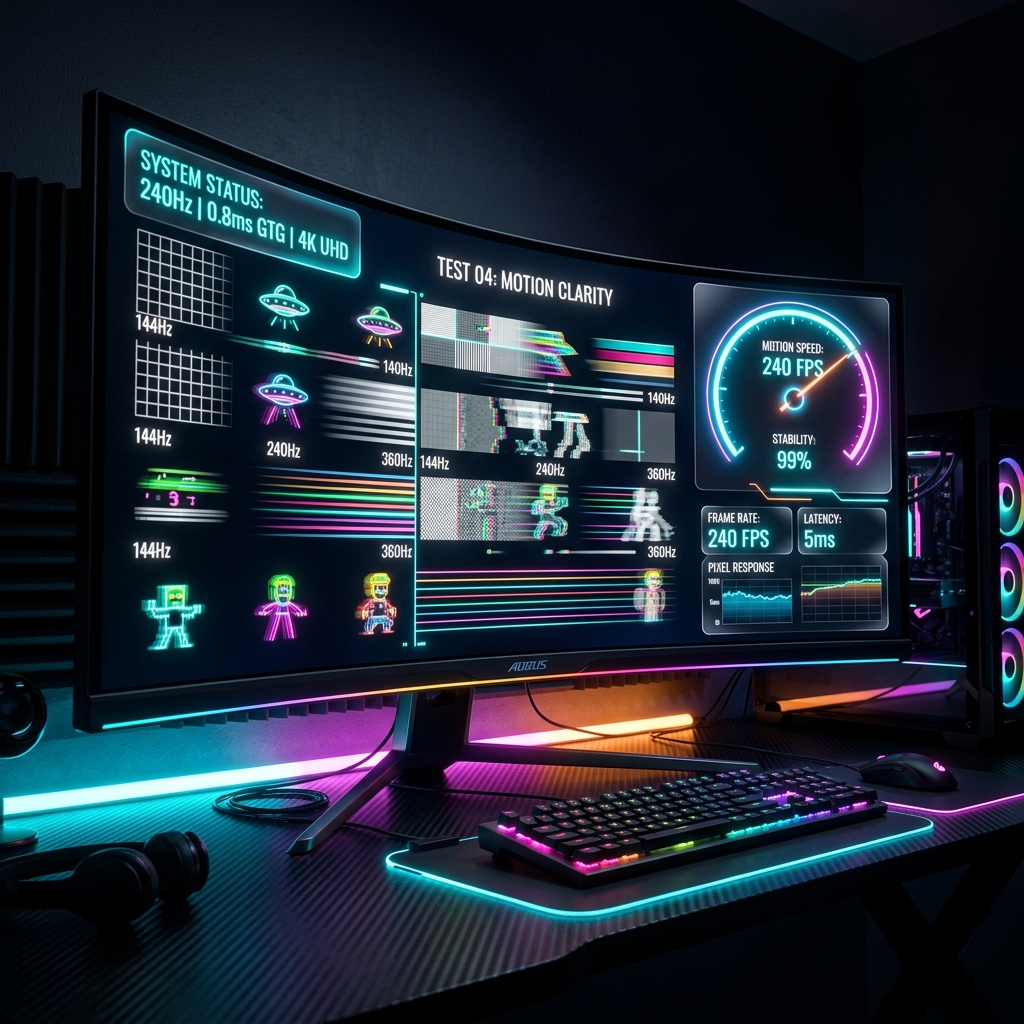 Display
How to Verify Your Monitor's Refresh Rate Hz & Bandwidth
Confirm your display interface is correctly configured to 144Hz, 240Hz, or 360Hz, and choose the correct DP or HDMI cable.
Read Guide →
Analog
VGA vs HDMI: How to Calibrate Analog Monitor Blur & Phase
Tune clocks and phases on VGA CRT/LCD monitors using zebra line test patterns to eliminate text blur and horizontal jitter.
Read Guide → USB-C
USB-C
USB-C vs Thunderbolt: Profiling Speed and Power Delivery
Examine bandwidth allocations, Power Delivery profiles up to 240W, and DisplayPort Alt Modes configuration rules.
Read Guide →
Audio
How to Test and Adjust Microphone Noise Gates & Feedback
Configure noise gates to eliminate keyboard clicking noise, prevent feedback loops, and profile mic frequency responses.
Read Guide →
Tablet
Drawing Tablet Pen Pressure Calibration and Coordinates Fix
Fix pen pressure sensitivity issues, solve offset coordinates mappings, and calibrate stylus response curves.
Read Guide → Gamepad
Gamepad Drift Calibration: Fixing Controller Joysticks
Profile joystick deadzones, calibrate potentiometer values, and remove stick drift issues on console controllers.
Read Guide →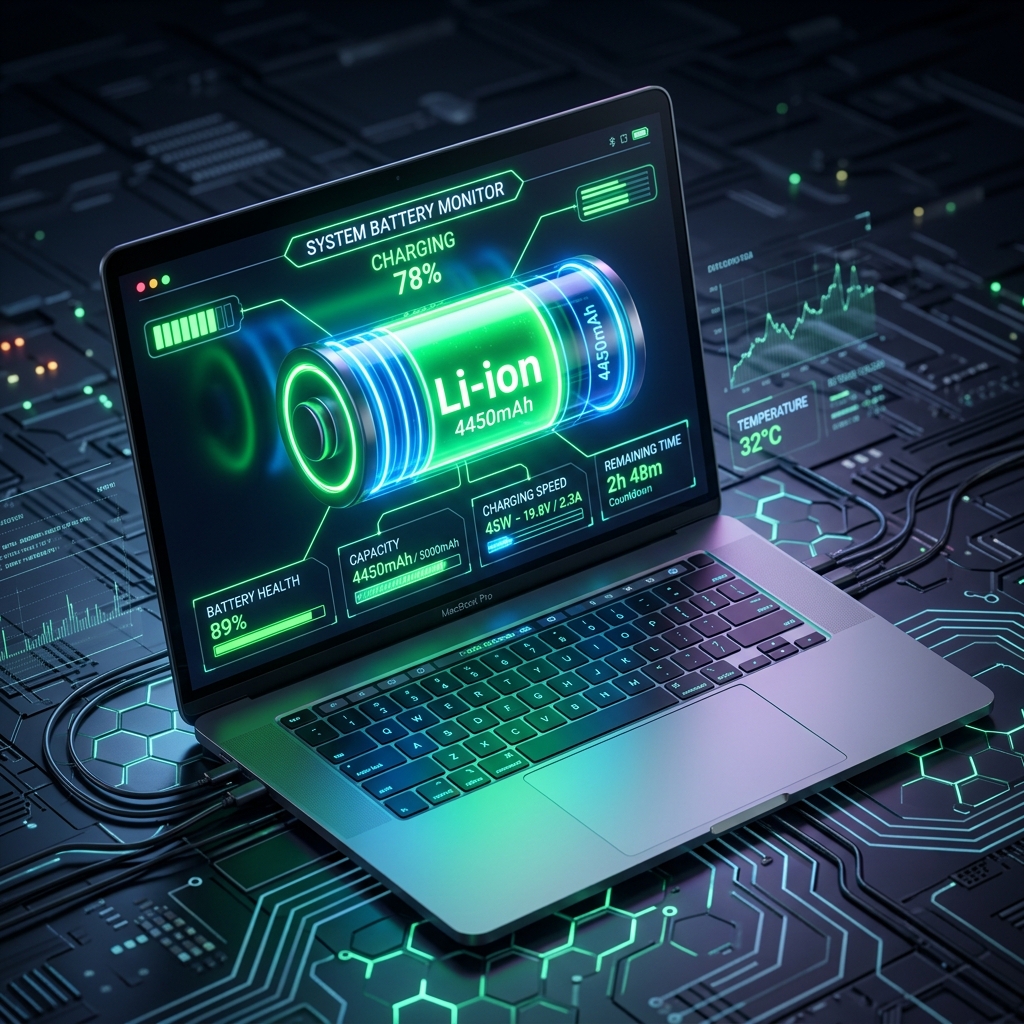 Battery
How to Check Laptop Battery Health Capacity & Cycle Count
Inspect battery wear levels, run power configuration reports in Windows/macOS, and calculate maximum charge capacity profiles.
Read Guide →